


Dining room at The Glades at ChampionsGate. Photography by Clearform Creative.
A senior living photography brief should make the community's residences, shared spaces, grounds, and arrival experience easy to understand. If people will appear, plan their participation with the community team in advance. Keep descriptions of services and care separate from what the photographs themselves establish.
Clearform Creative's published senior living work includes The Glades at ChampionsGate and Valley Vista Senior Living. The projects served different uses: an investor presentation and a grand-opening campaign. Define your audience early so the library fits the assignment.
Decide who will use the images
For prospective residents and families, prioritize a clear introduction to the spaces they may visit: the entrance, a representative residence, dining areas, lounges, outdoor areas, and relevant amenities. Confirm how the images will be paired with descriptions of the community's actual offering.
An investor or portfolio presentation may also need a wider view of the property and its shared spaces. Identify that use separately in the brief. It may require different compositions, captions, or video coverage from a family-facing website.
Define architectural photography, community video, and any aerial coverage as separate deliverables within one coordinated brief. Our website photo-selection article can help your team identify gaps in the current library.
Choose spaces that explain the community
| Area | Useful coverage | Preparation |
|---|---|---|
| Arrival | Building, entrance, signage, approach | Confirm access and presentation |
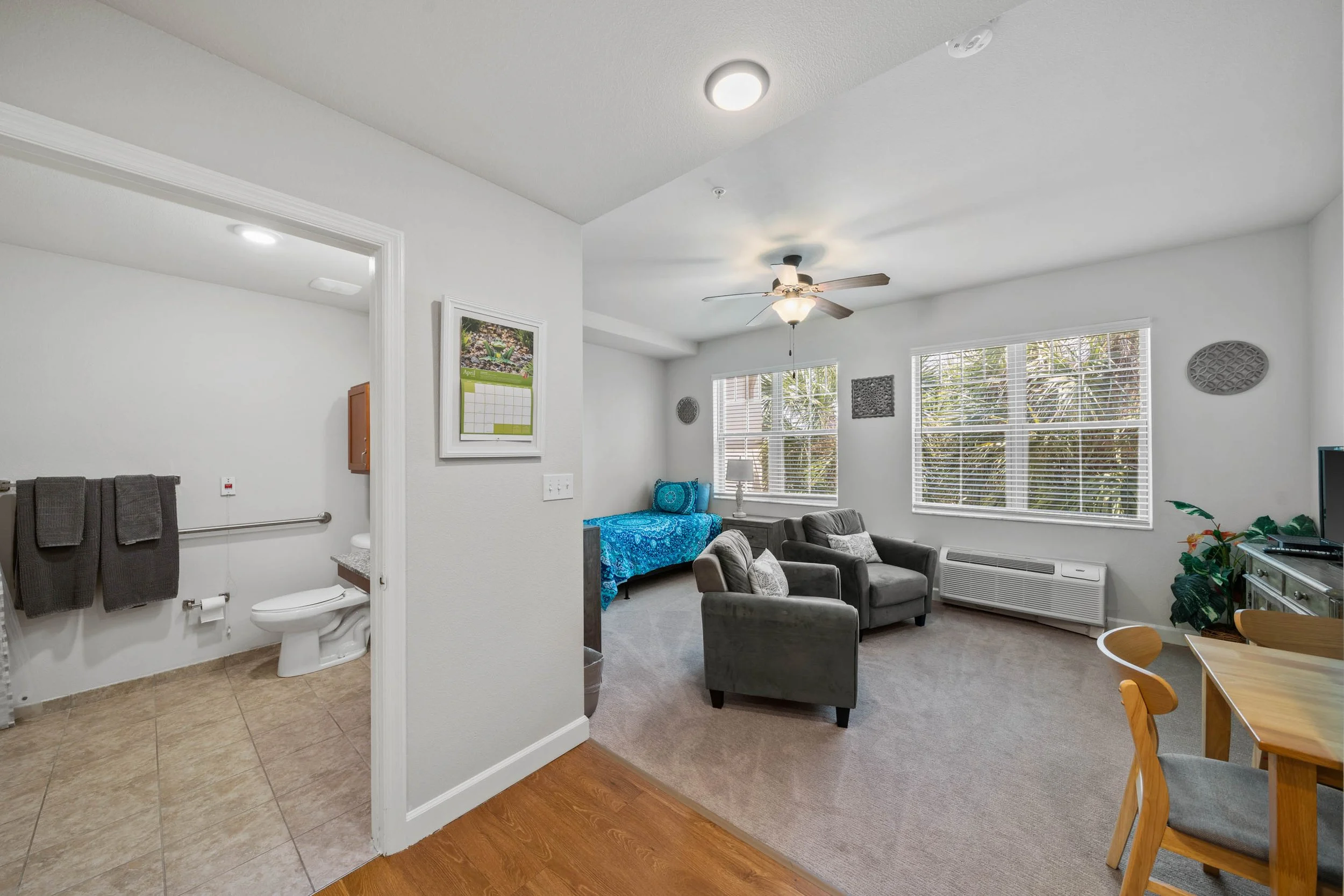
| Residences | Representative living, sleeping, and bathroom spaces | Identify the layout and prepare the room |
| Dining | Room overview and an approved table setup | Coordinate with the dining team |
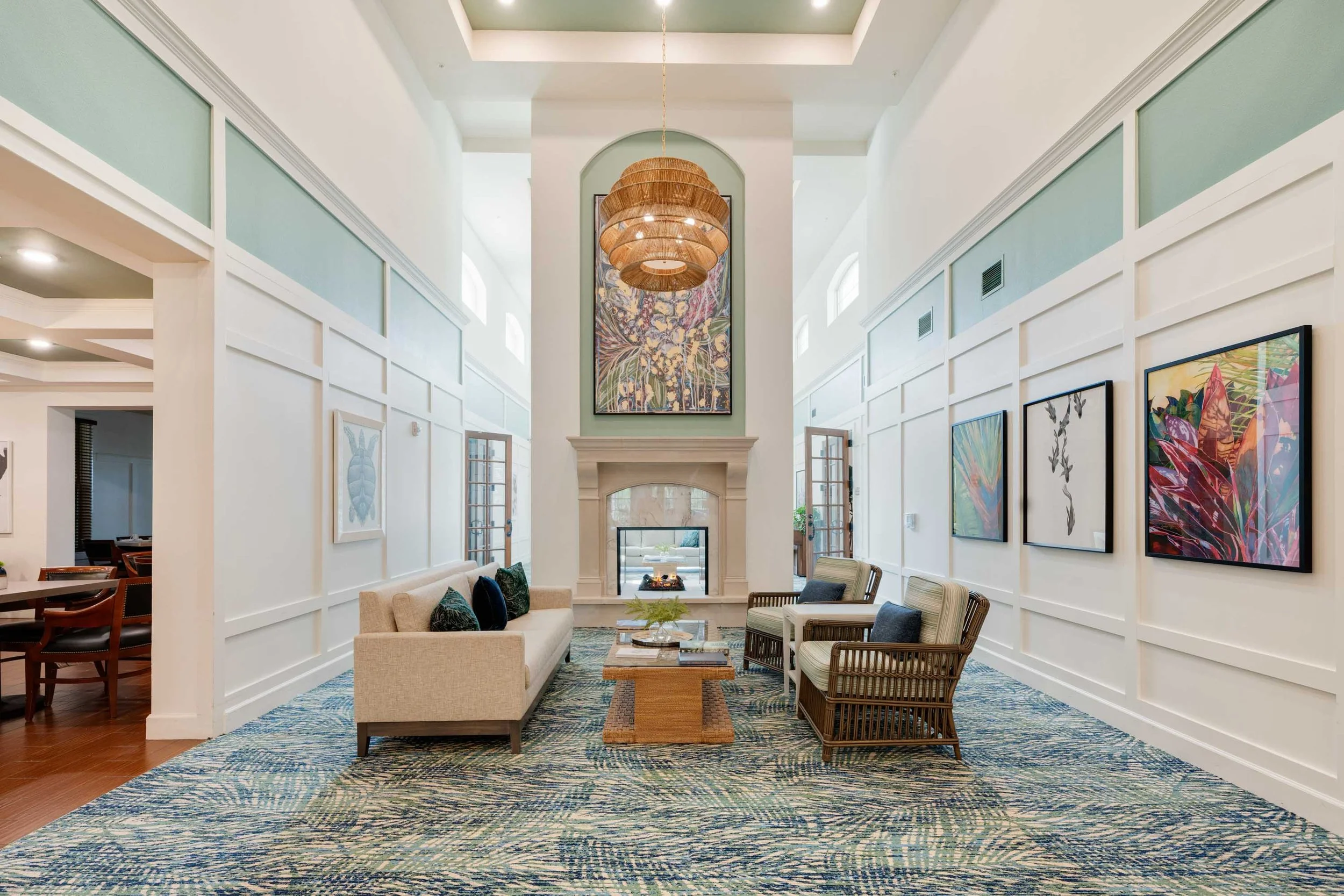
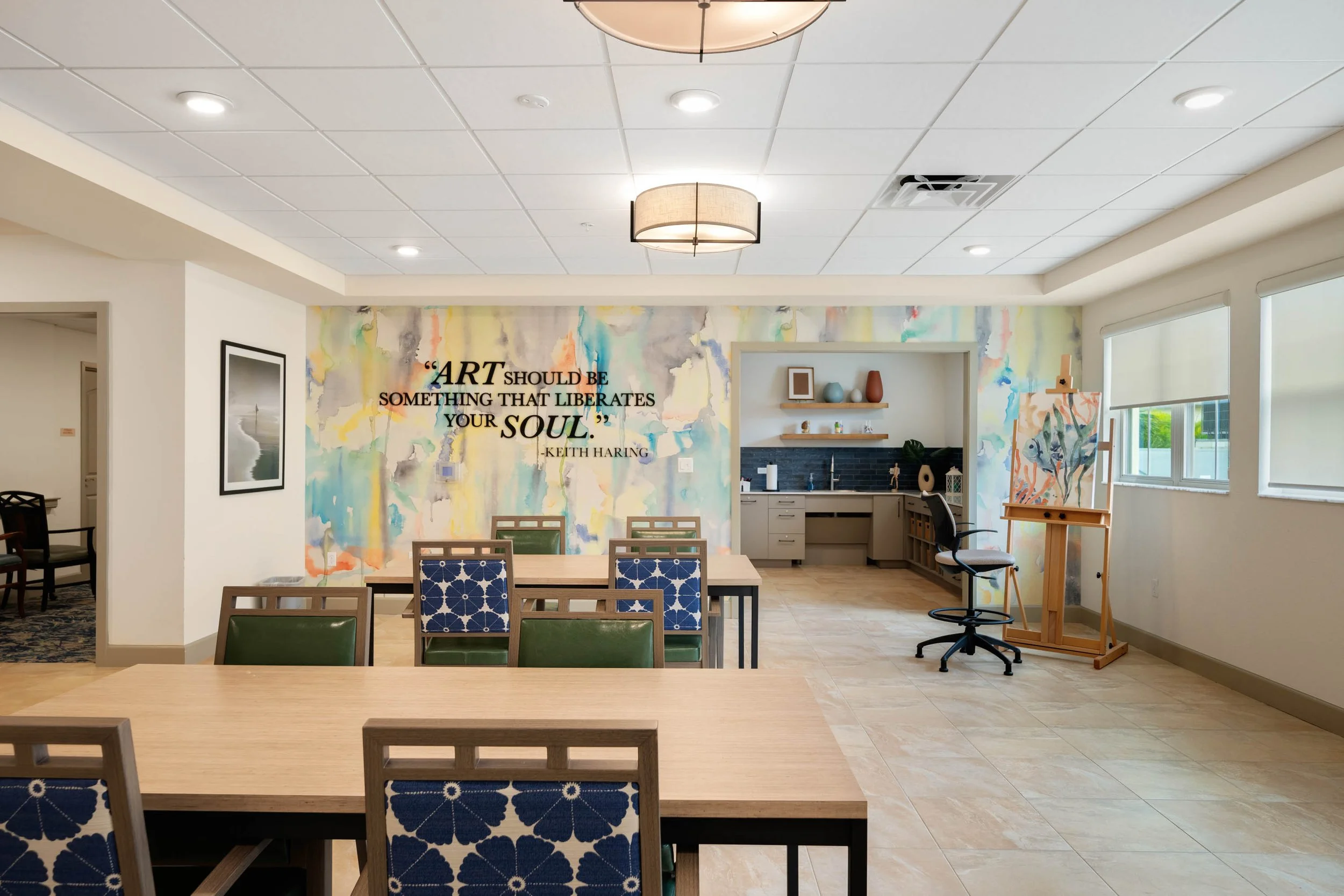
| Shared spaces | Lounges, activity rooms, other amenities in scope | Work around the community schedule |
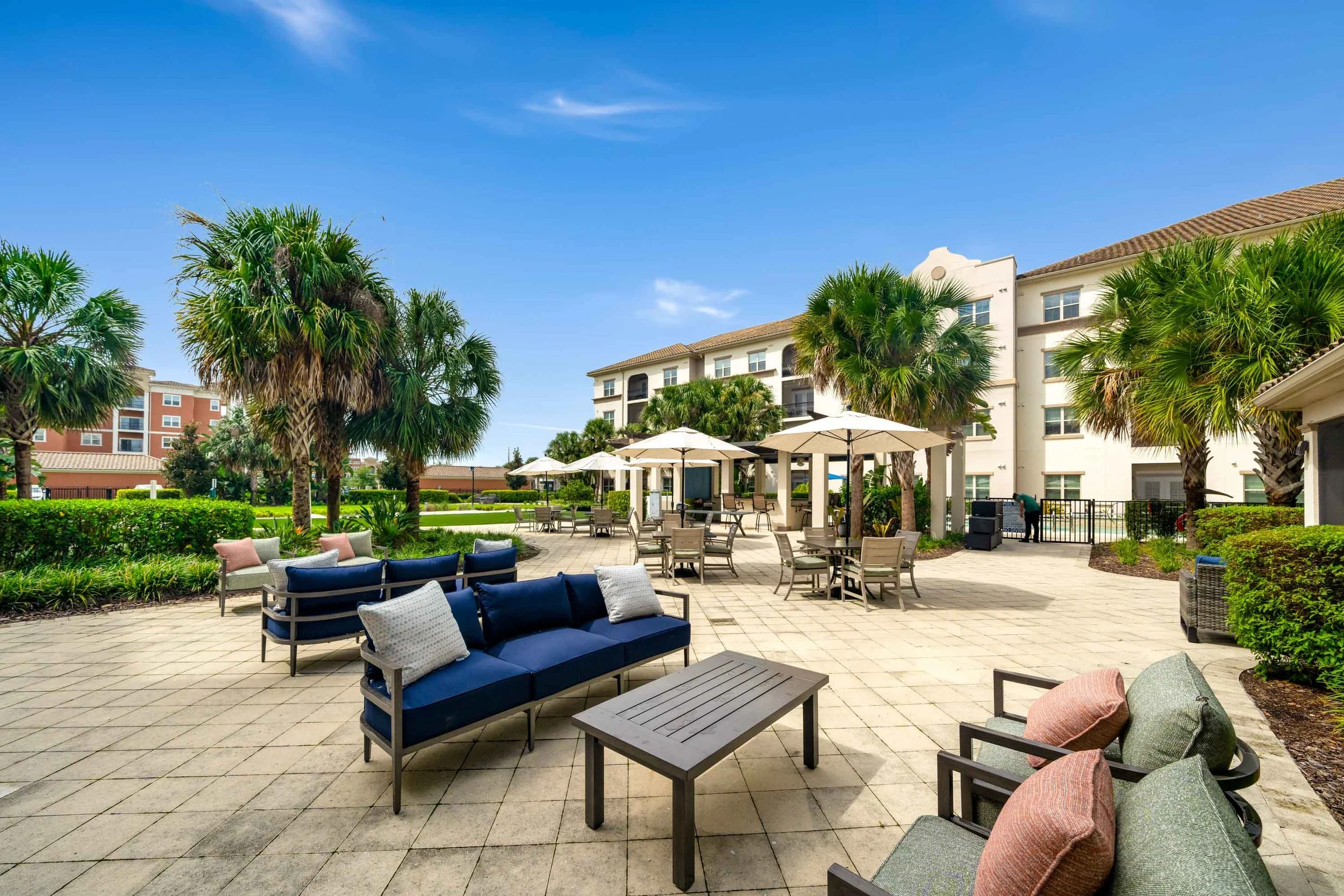
| Outdoors | Courtyards, seating, gardens, grounds where present | Check readiness and access |
| Lifestyle | Specific planned activities or interactions | Arrange participation and permissions |
Do not let a detail photograph carry information it cannot show. A close view of a dining table may convey the setup, while a wider photograph explains the room's layout and relationship to windows or outdoor space.
Coordinate with daily life
Ask the community team to identify meal service, activities, tours, and quiet periods that affect access. Choose a site contact who can coordinate with staff and resolve room availability without repeatedly interrupting residents.
Prepare a short list of priority spaces and an alternate order. A flexible sequence can help production continue when a room becomes temporarily unavailable. Avoid promising that an occupied community can operate exactly like an empty location.
Plan people and permissions before the shoot
Decide whether the assignment includes architectural coverage only or also includes people. For planned participation, have the community's responsible team coordinate the appropriate permissions, supervision, and any restrictions before capture. This is a production-planning step, not a determination of legal consent requirements.
Keep personal documents and identifying information outside the frame. Agree on areas and situations that will not be photographed. A warm-looking image does not establish care quality, staffing levels, clinical outcomes, or a particular service offering; those claims require separate, approved evidence.
Planning a shoot? Send us your property, priority spaces, and deadline so we can recommend a deliverable-based scope.
Connect the photographs to the actual brief
At The Glades at ChampionsGate, our published project describes photography and film of community spaces and resident experience for investor presentations. The dining-room photograph shows table arrangements, banquette seating, and windows. It is a concrete view of the physical space.
At Valley Vista Senior Living, we produced photography and film for the grand-opening campaign. That example supports a launch-media discussion without implying a measured effect on occupancy or inquiries.
Prepare a clear delivery plan
Specify finished-photo quantities, video edits if included, website and brochure placements, orientation requirements, delivery dates, and intended usage. Label residence types and locations so the marketing team can use the images accurately.
Keep a record of approved image use and any restrictions with the delivered library. Review the imagery when spaces or offerings change, and retire versions that no longer represent the community.
Brief to send: Community and address; audience; channels; spaces and residence types; photo and video requirements; planned participation; permission coordinator; schedule constraints; site contact; deadline; usage requirements.
Common questions
Do residents need to appear? Architectural coverage can explain the spaces without planned participation. Add lifestyle coverage only when it serves the brief and can be coordinated appropriately.
Can one library support family and investor communications? Some images may serve both, but identify the requirements and usage for each audience before production.
Can photographs communicate the level of care? Images can show a space or a planned scene. Use approved written information for care and service claims.
Explore our senior living photography and video for more project examples.
Plan the community shoot
See how to organize the finished library in our senior living website photo-selection article. Review production FAQs and published rates as background for a property-specific scope.
Send the community address, intended audience, required spaces, and deadline. Contact Clearform to plan senior living photography and video.


